Morpho Convert Currency & Unit
Morpho is a speedy conversion utility for travelers, professionals, and hobbyists. It lets you instantly convert between 307 units and 174 currencies across 24 categories, customize your own units, vi
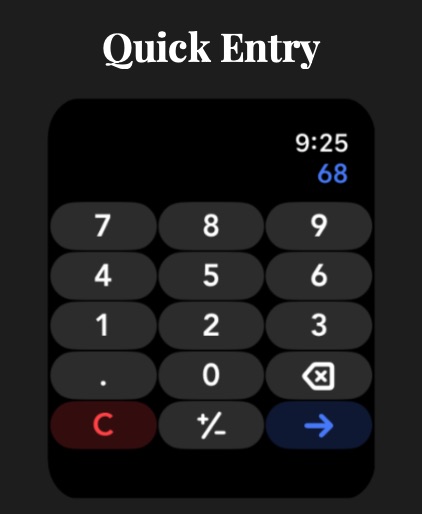
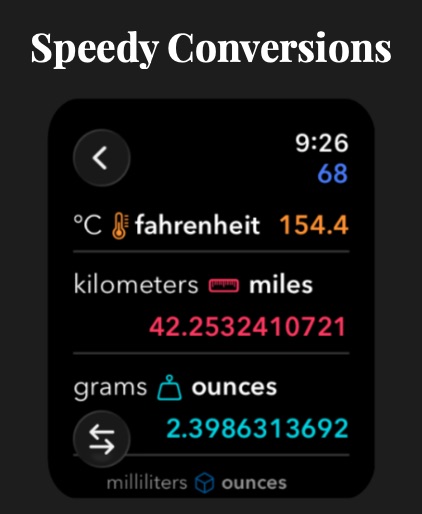
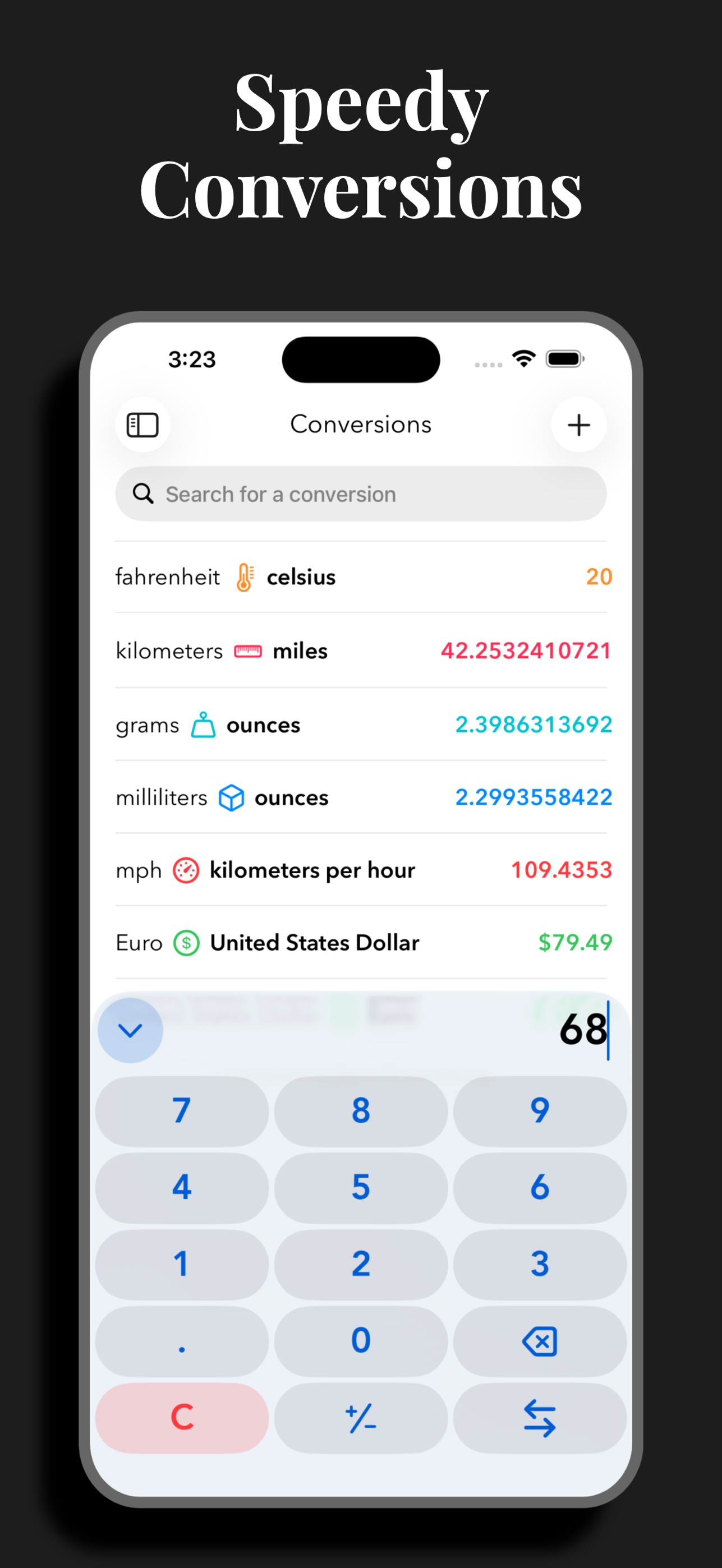
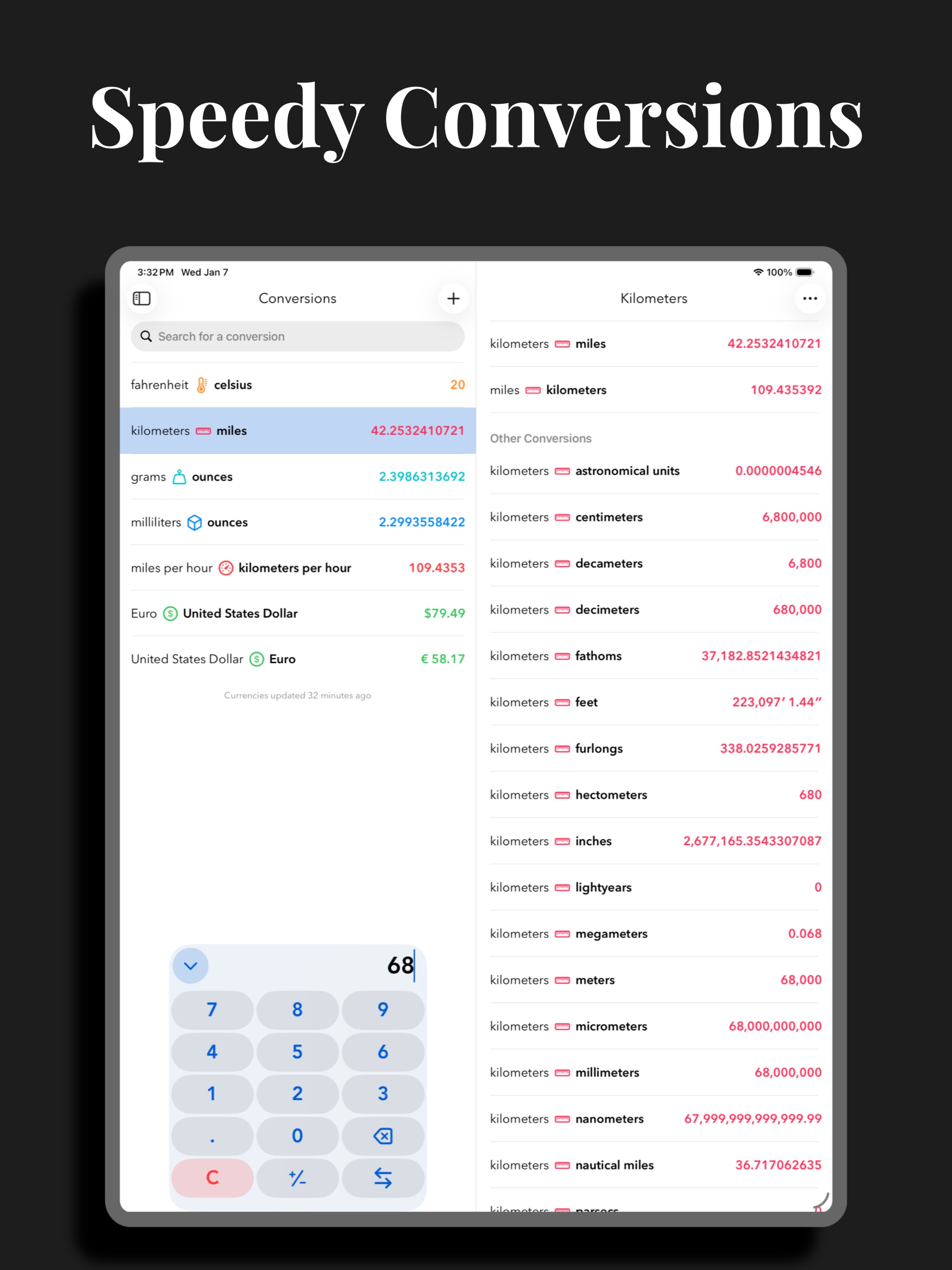
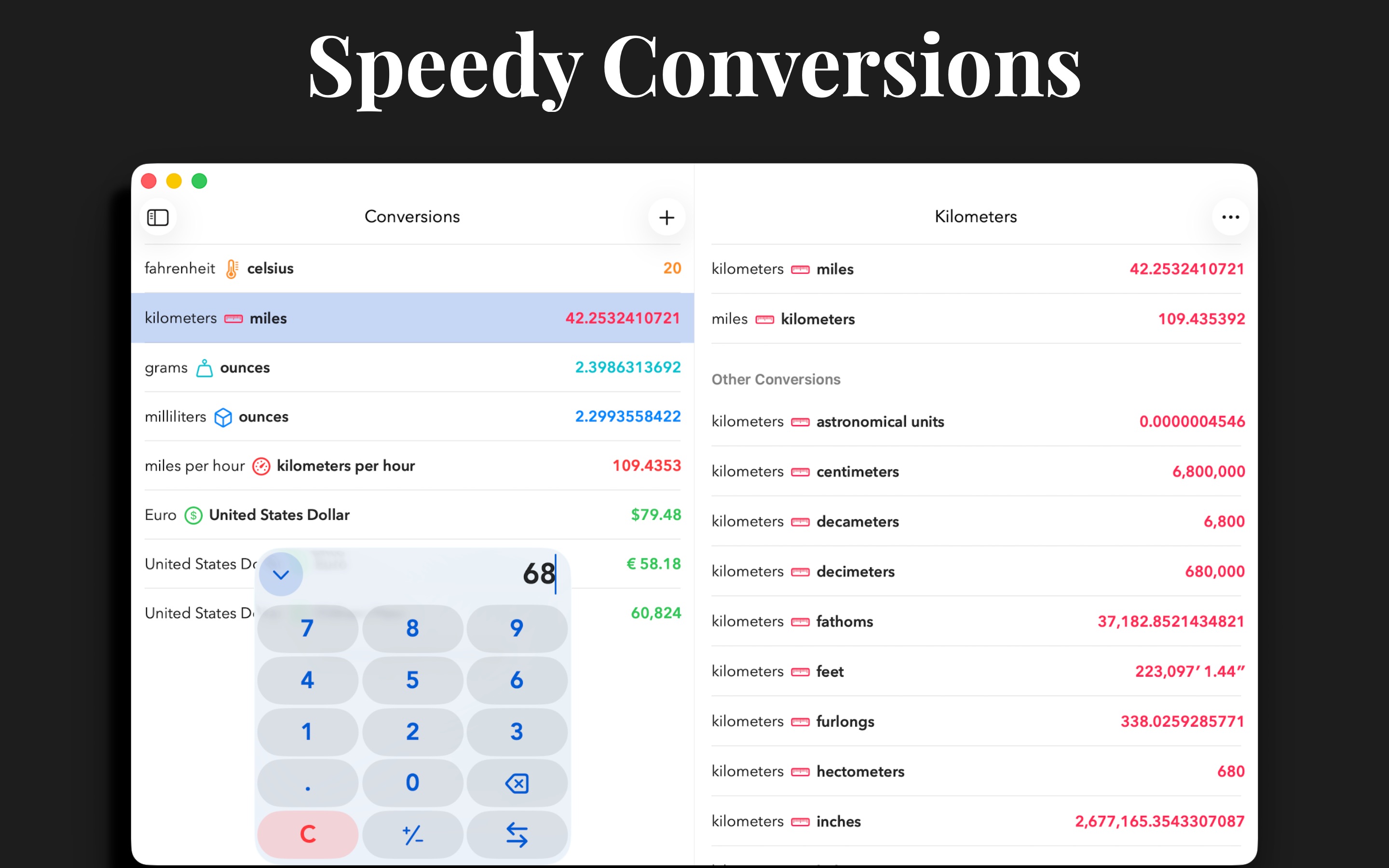
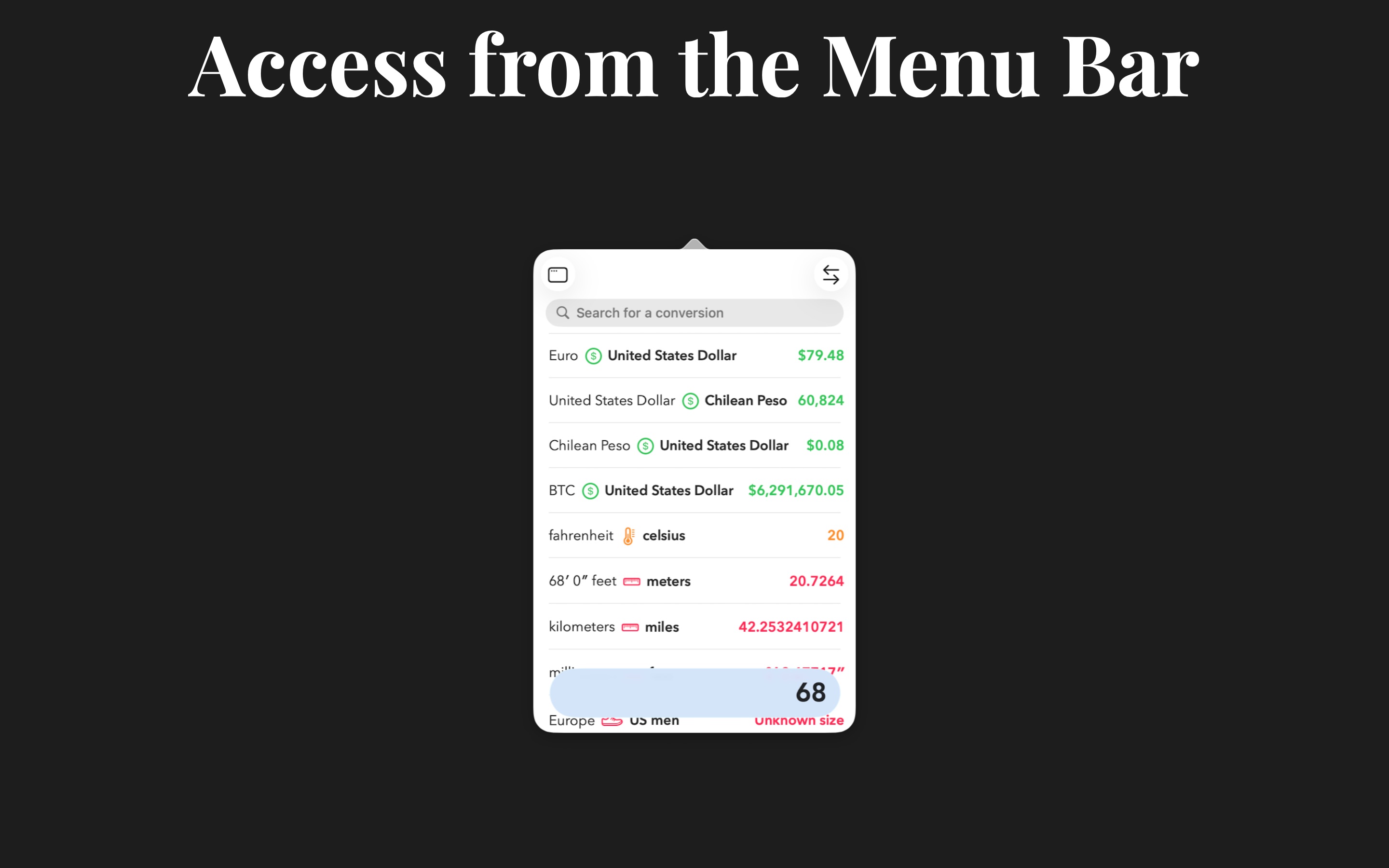
Morpho is a new take on conversions, focused on speed. Open, type a number, and instantly see all your favorite conversions. No fiddling.
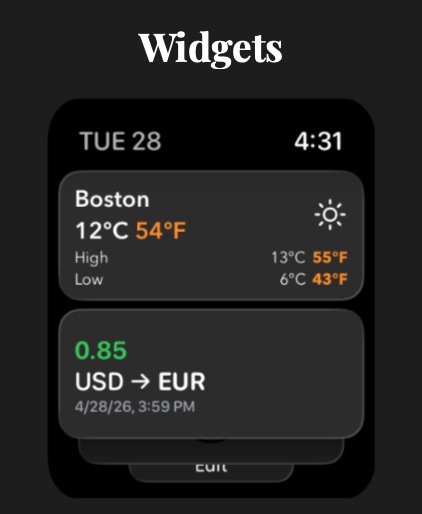
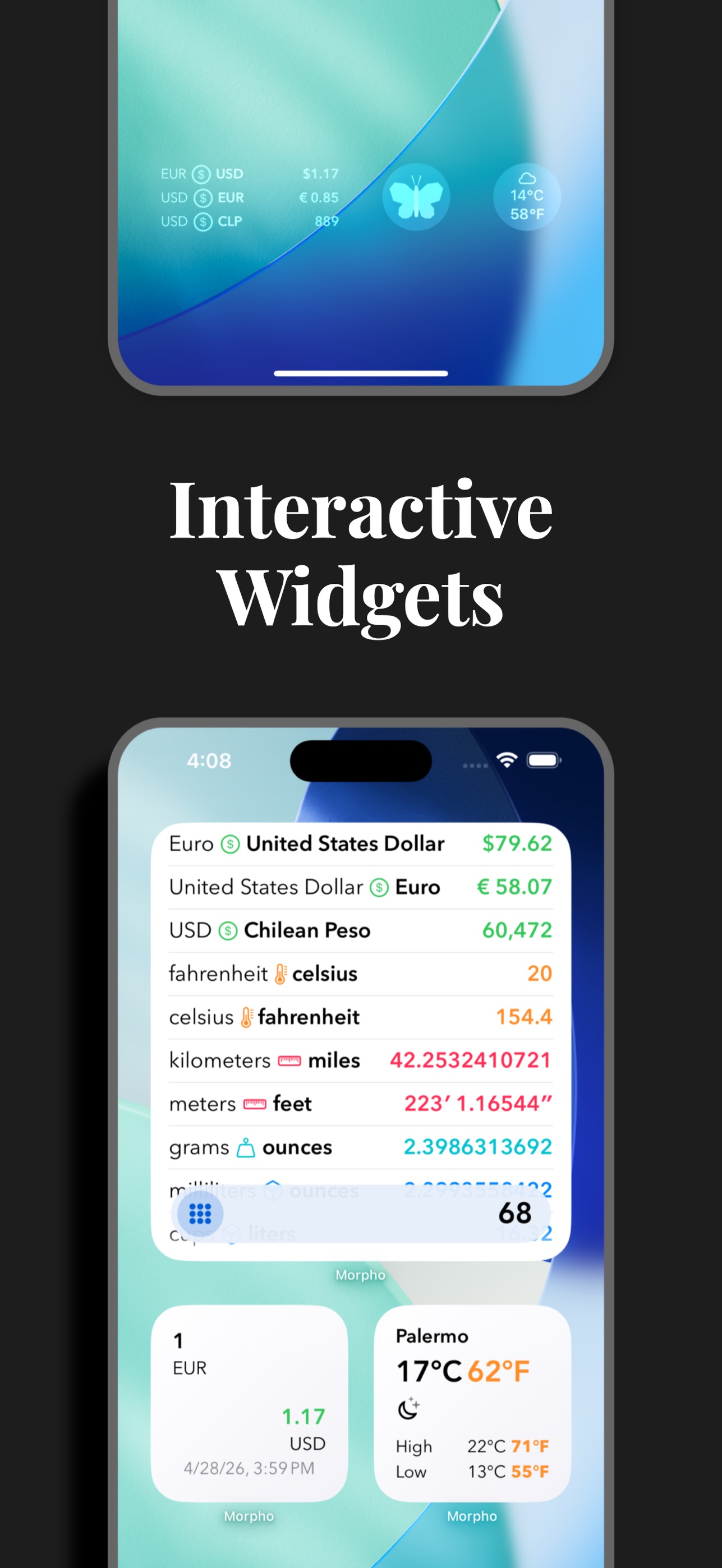
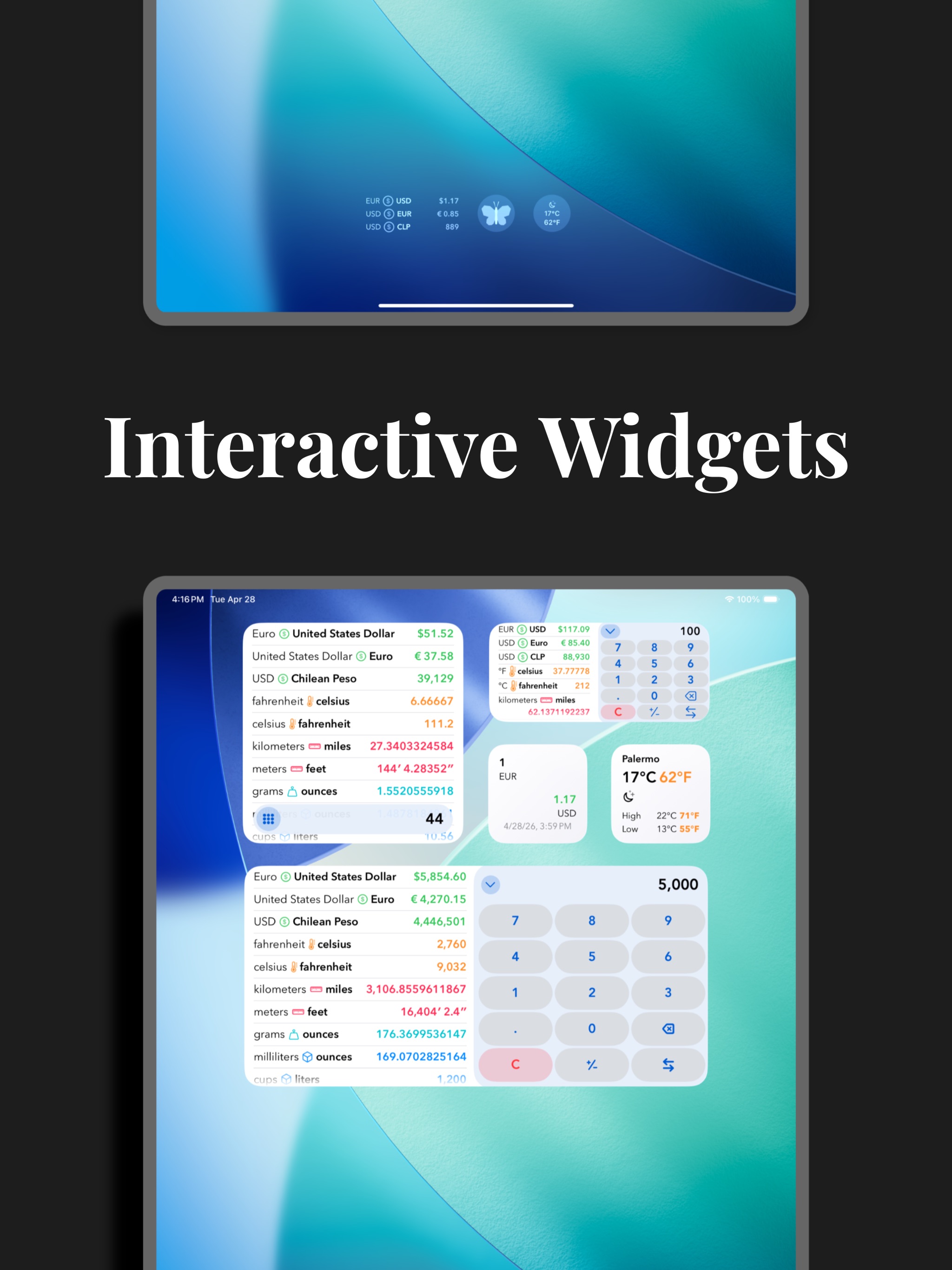
Add all of your most-used conversions to the home screen so that you see what you want–and only what you want.
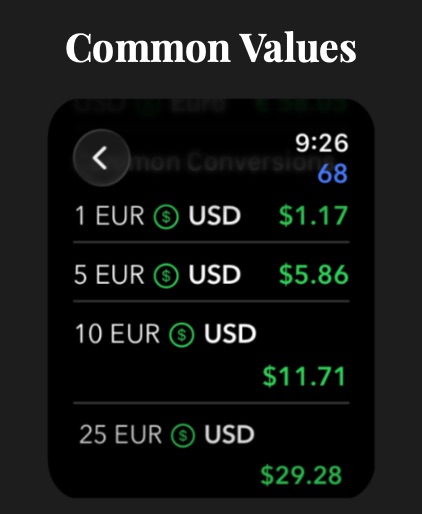
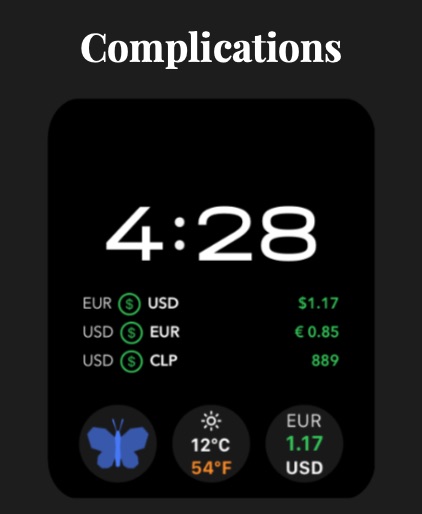
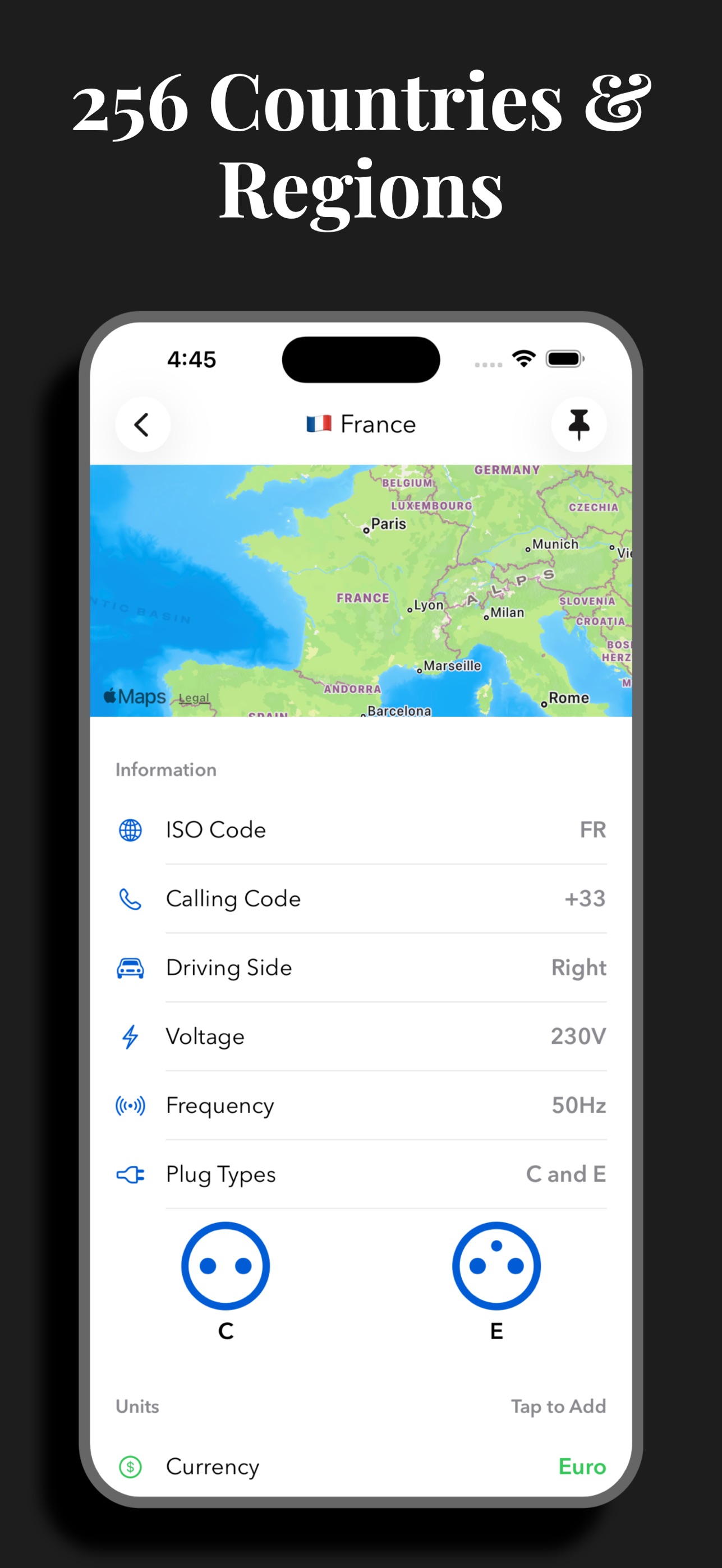
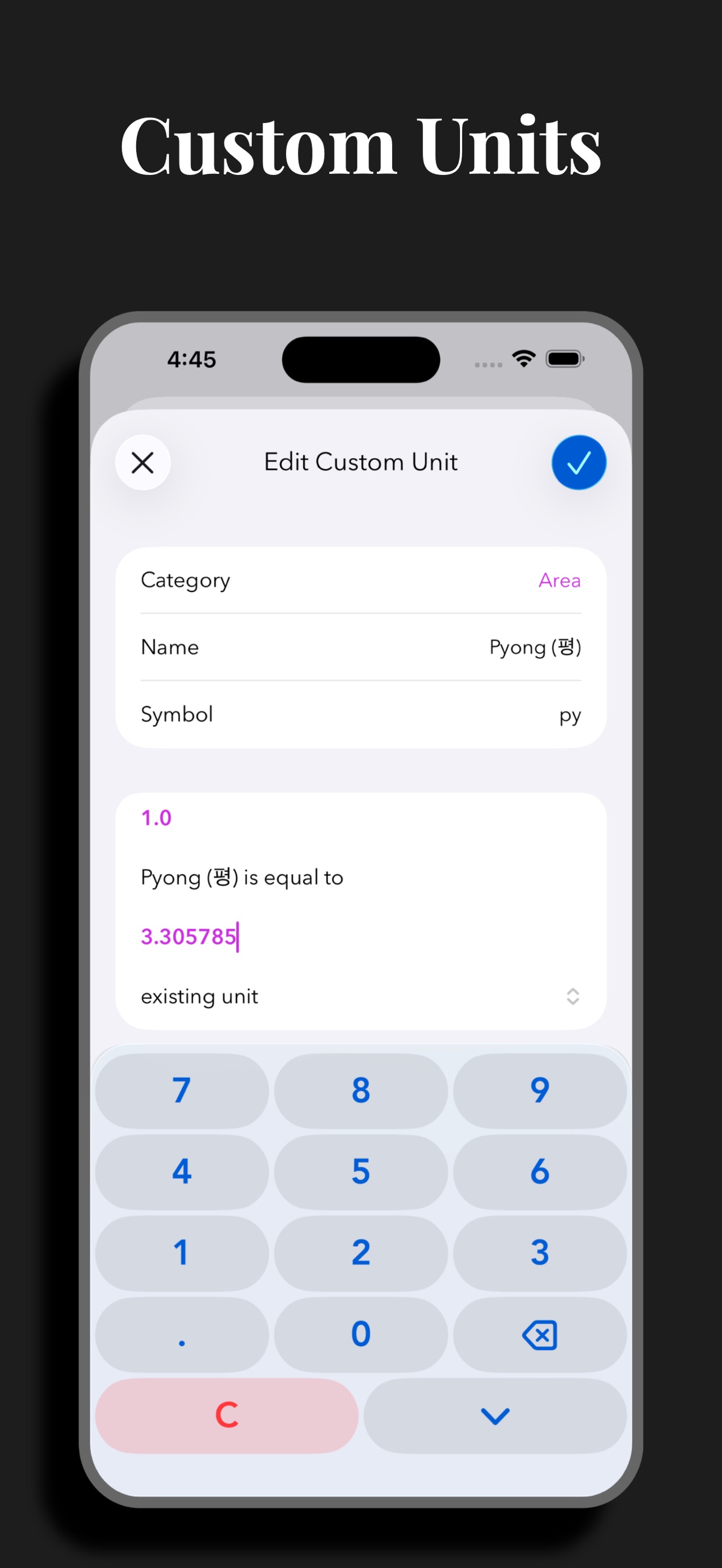
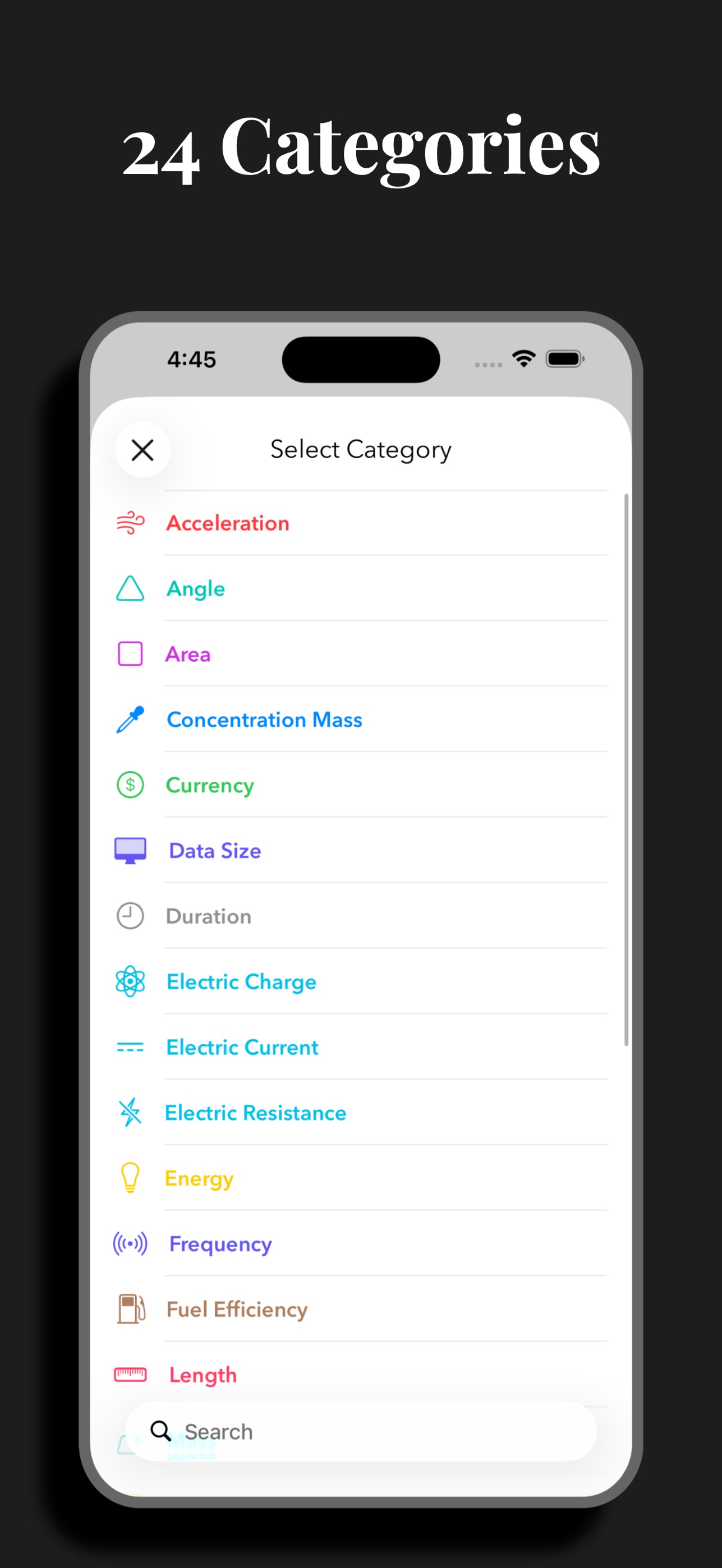
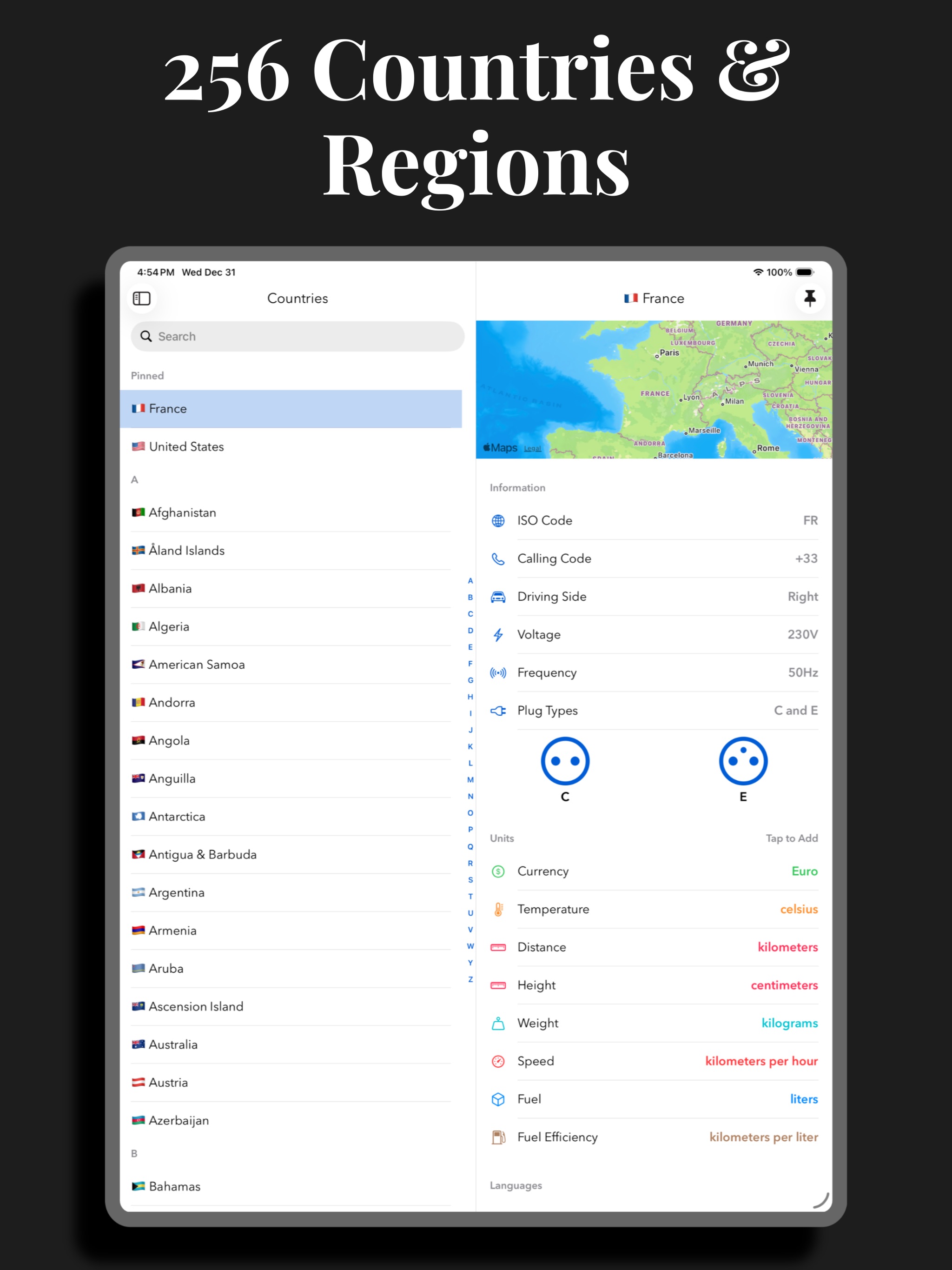
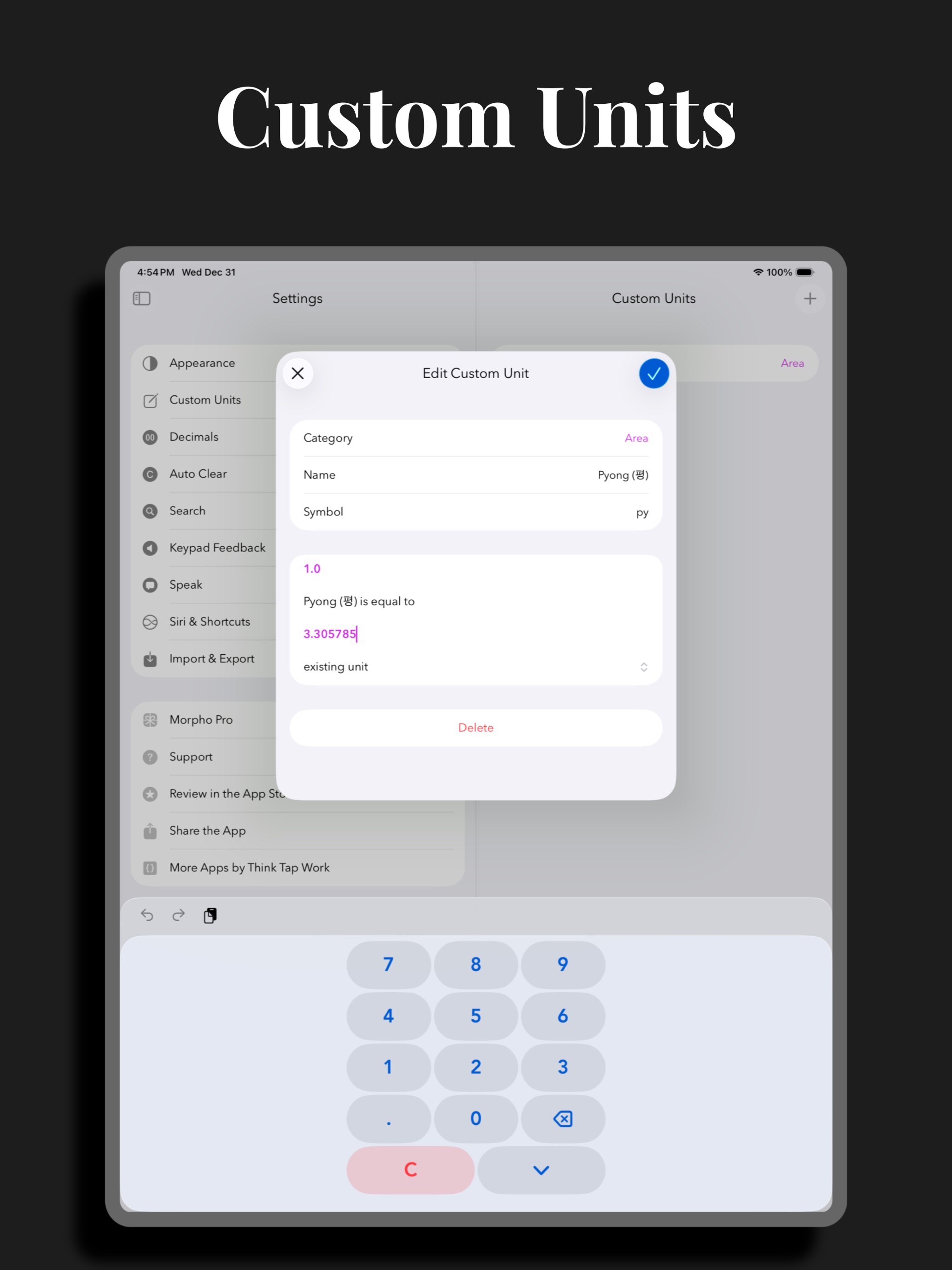
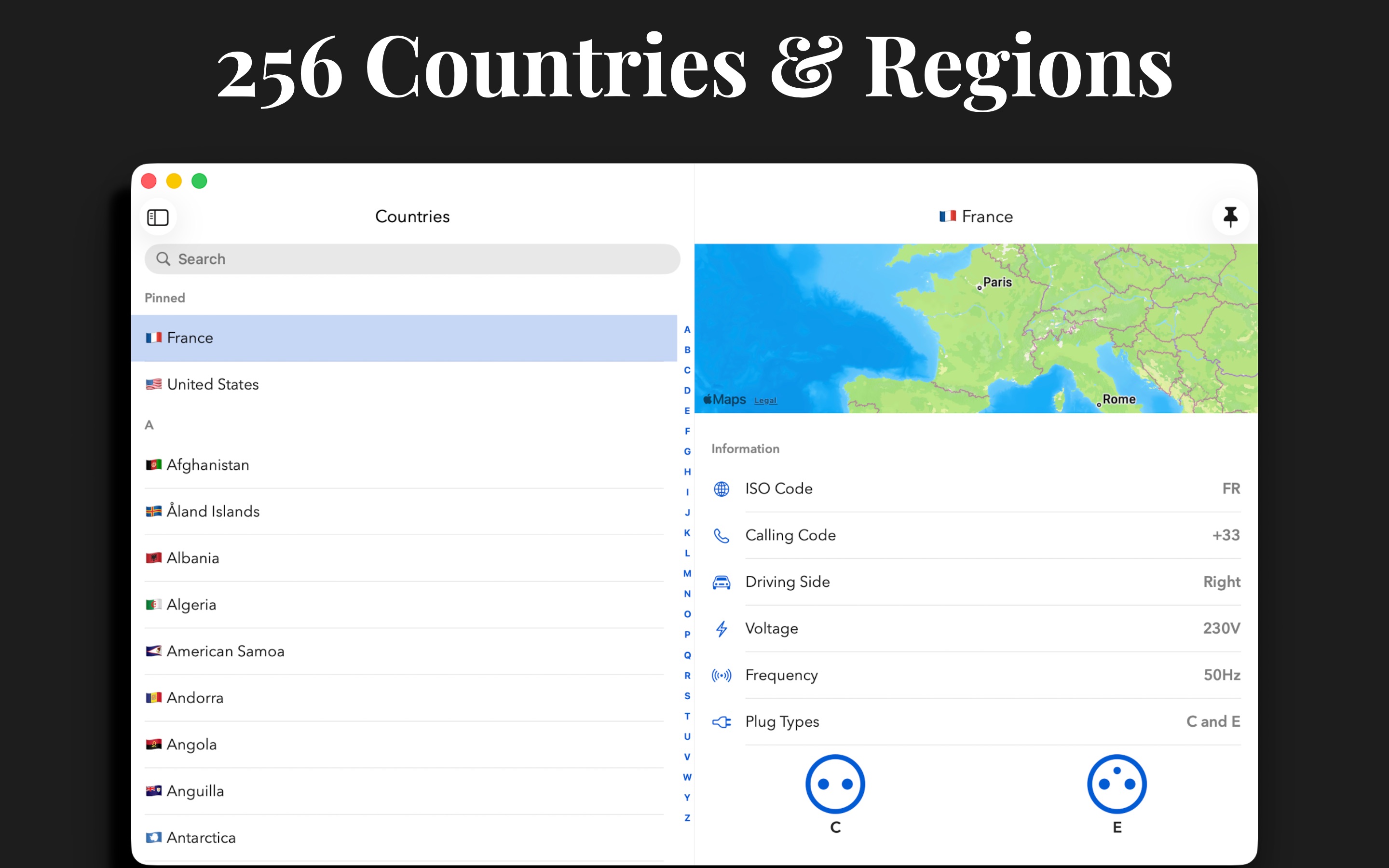
• Choose from 307 units and 174 currencies in 24 categories. • Countries: view and add common units of measure from 256 countries and regions. Quickly view electrical information, calling codes, driving side, languages, and time zones to help plan your trip. • Custom Units: Define specialized units for your profession or hobby, or add an uncommon unit that is not yet officially supported. • Speak results: Select from 38 languages in Settings. Long-press a conversion and choose a language to have the result spoken to you. • It's universal: iPhone, iPad, Mac, and Apple Watch. We have you covered no matter where you need a conversion. • Long press for more: copy result, copy the full text of the conversion, or quickly add a reverse conversion. • Conversions widget: new, interactive widget lets you convert your favorites instantly. • Currency widget: use the currency widget to stay on top of changes throughout the day from your Home Screen or Lock Screen. • Complications: launch Morpho from a complication, or use a currency complication to always have the latest exchange rate. • Weather: instant temperature conversions with Weather integration. • Siri: get the full list of conversions using your voice. • Shortcuts: work currency conversions into your custom shortcuts. • Quick Notes: add values or countries to your Quick Notes. • Keyboard support: make full use of your hardware keyboard. • Hand Off, URL schemes, and multiple windows: enjoy. • Support for dynamic type sizes and VoiceOver.
If you choose to purchase a Morpho Pro subscription, payment will be charged to your iTunes account, and your account will be charged for renewal 24 hours prior to the end of the current period. Auto-renewal may be turned off at any time by going to your settings in the iTunes Store after purchase.
Terms of use: https://thinktapwork.com/tos.html
Morpho 是一款快速转换工具,专为旅行者、专业人士和爱好者设计。支持307种单位与174种货币的即时换算,可自定义单位、查看各国信息,并支持语音播报结果。
Morpho is a new take on conversions, focused on speed. Open, type a number, and instantly see all your favorite conversions. No fiddling.
Add all of your most-used conversions to the home screen so that you see what you want–and only what you want.
• Choose from 307 units and 174 currencies in 24 categories. • Countries: view and add common units of measure from 256 countries and regions. Quickly view electrical information, calling codes, driving side, languages, and time zones to help plan your trip. • Custom Units: Define specialized units for your profession or hobby, or add an uncommon unit that is not yet officially supported. • Speak results: Select from 38 languages in Settings. Long-press a conversion and choose a language to have the result spoken to you. • It's universal: iPhone, iPad, Mac, and Apple Watch. We have you covered no matter where you need a conversion. • Long press for more: copy result, copy the full text of the conversion, or quickly add a reverse conversion. • Conversions widget: new, interactive widget lets you convert your favorites instantly. • Currency widget: use the currency widget to stay on top of changes throughout the day from your Home Screen or Lock Screen. • Complications: launch Morpho from a complication, or use a currency complication to always have the latest exchange rate. • Weather: instant temperature conversions with Weather integration. • Siri: get the full list of conversions using your voice. • Shortcuts: work currency conversions into your custom shortcuts. • Quick Notes: add values or countries to your Quick Notes. • Keyboard support: make full use of your hardware keyboard. • Hand Off, URL schemes, and multiple windows: enjoy. • Support for dynamic type sizes and VoiceOver.
If you choose to purchase a Morpho Pro subscription, payment will be charged to your iTunes account, and your account will be charged for renewal 24 hours prior to the end of the current period. Auto-renewal may be turned off at any time by going to your settings in the iTunes Store after purchase.
Terms of use: https://thinktapwork.com/tos.html
iPhone
iPad
Mac
Apple Watch